New to technology? Start here! This page explains the most important computer and tech concepts in simple, easy-to-understand language.
What is Hardware?
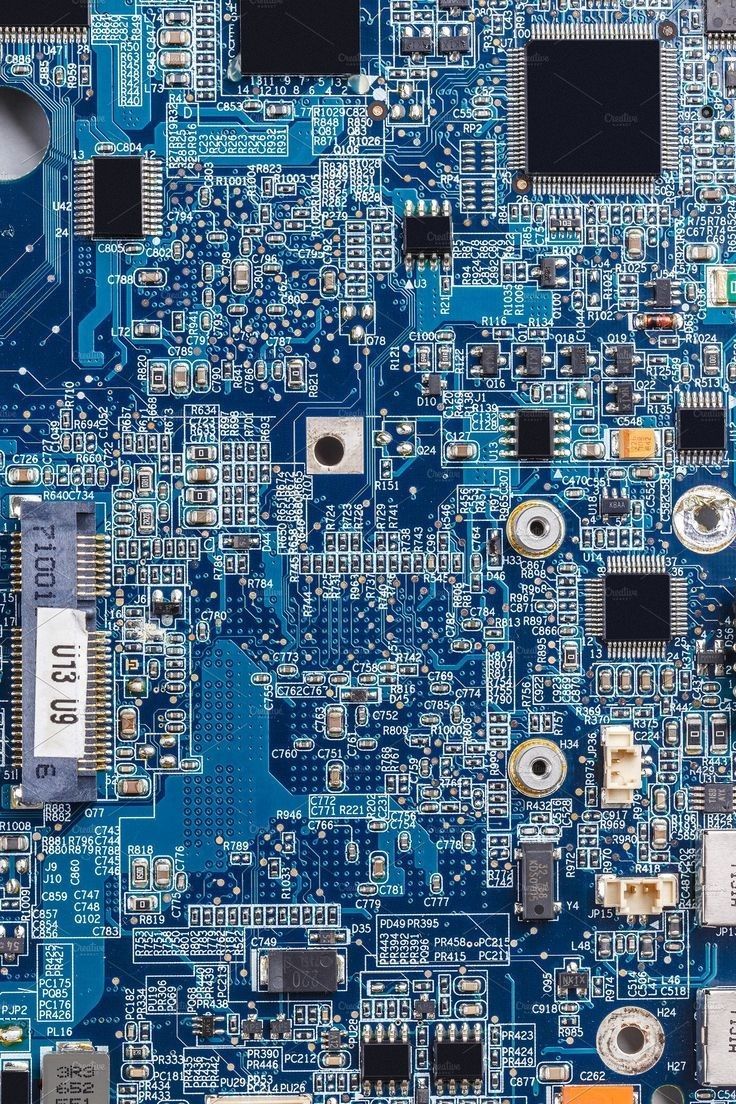
Hardware refers to the physical parts of a computer — the things
you can actually see and touch. Examples include the monitor (screen), keyboard,
mouse, and the tower or laptop case itself.
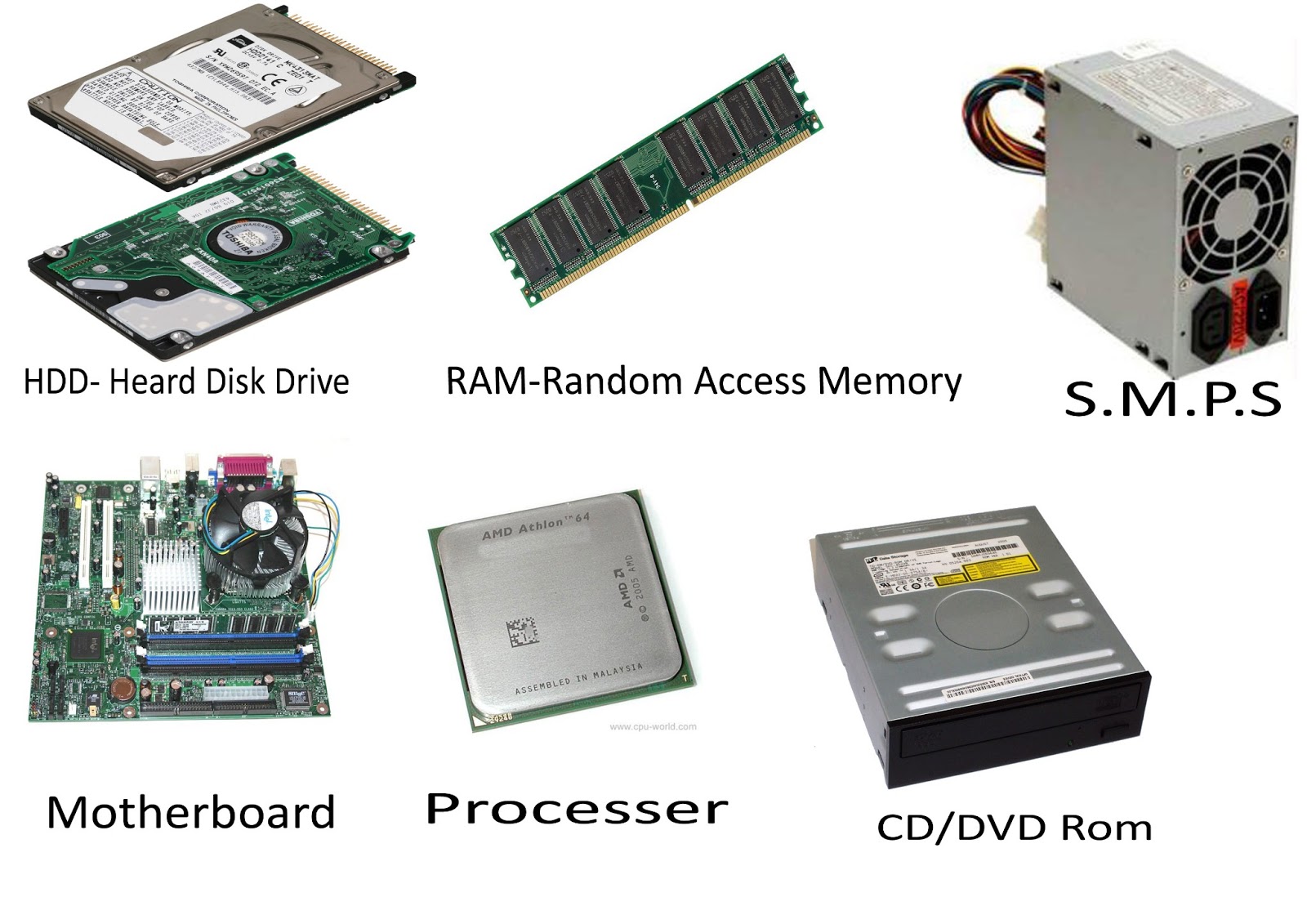
Inside the computer, there are also internal hardware parts like the processor (CPU),
memory (RAM), and hard drive. These work together to run your programs and store
your files.
CPU (Processor) — The brain of the computer. It processes instructions.
RAM (Memory) — Temporary storage that helps your computer multitask.
Hard Drive / SSD — Long-term storage for your files and programs.
Monitor — The screen that displays what the computer is doing.
What is Software?
Software refers to the programs and apps that run on your computer.
Unlike hardware, you cannot touch software — it is made of code and instructions
that tell the hardware what to do.
Examples of software include:
Web browsers (like Chrome or Firefox)
Word processors (like Microsoft Word or Google Docs)
Games, music players, and photo editors
The operating system itself (see below)
Input vs. Output Devices
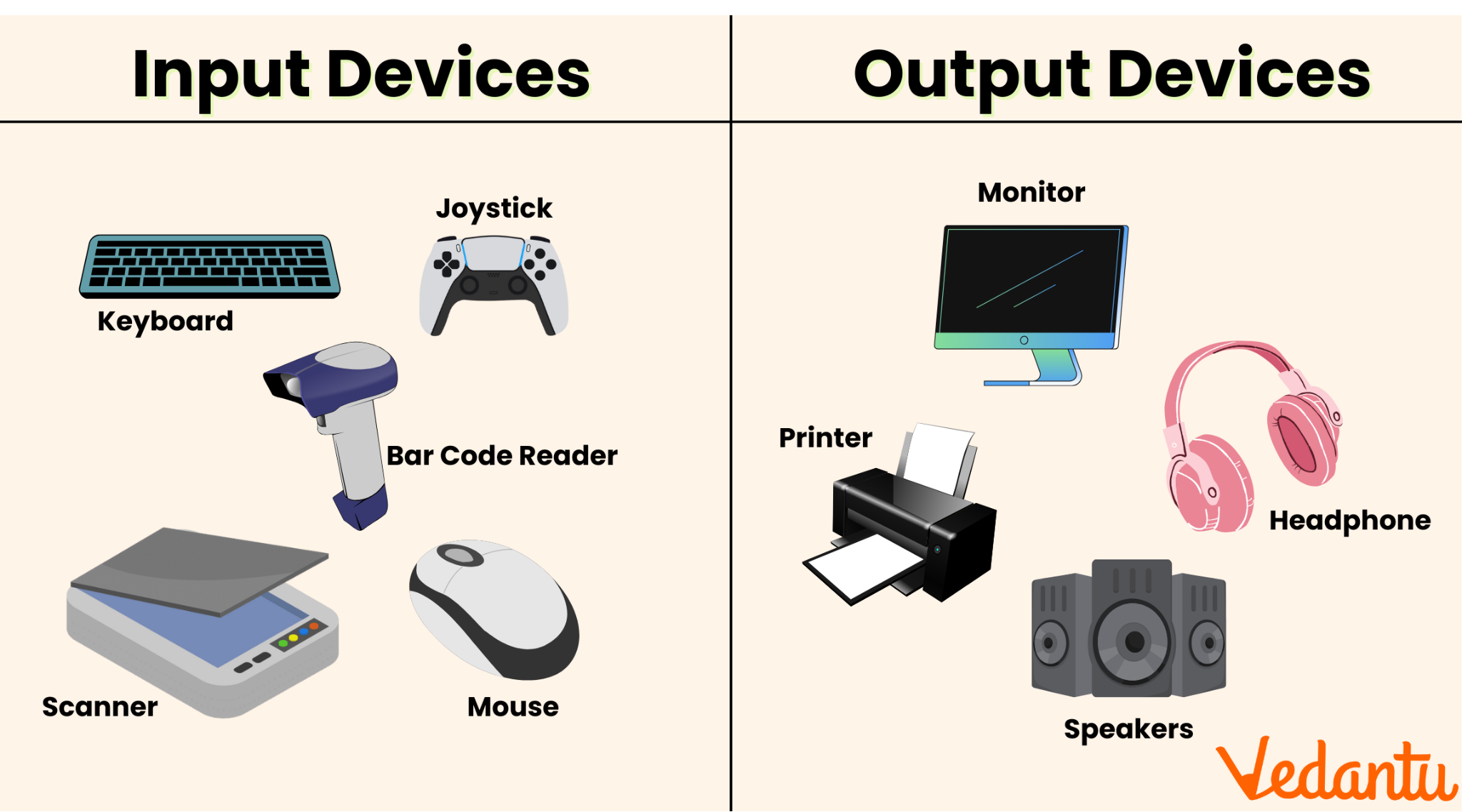
Devices connected to a computer are either input devices (you send
information in to the computer) or output devices (the
computer sends information out to you).
Some devices are both — for example, a touchscreen is an input (you touch it) and an output (it shows you the display).
What is an Operating System?
An operating system (OS) is the main software that manages everything
on your computer. It is what you see when you first turn on your device.
The operating system lets you run programs, manage files, and connect to the internet.
Common operating systems include:
Windows — Made by Microsoft. The most common OS for PCs.
macOS — Made by Apple. Used on Mac computers.
Linux — A free, open-source option used by developers.
iOS / Android — Operating systems for smartphones and tablets.
Internet Basics
The internet is a global network that connects millions of computers
and devices together. When you browse websites, send emails, or stream videos, you
are using the internet.
Here are some key internet terms for beginners:
Browser — The app you use to visit websites (Chrome, Firefox, Edge, Safari)
URL — The web address of a page (e.g., www.example.com)
Wi-Fi — Wireless internet connection
Download — Getting data from the internet to your device
Upload — Sending data from your device to the internet
Now that you know the basics, check out our IT & Computer Tips for helpful advice on keeping your computer running smoothly!